

Changing your MyKad doesn’t necessarily mean you have to lose track of the Touch ’n Go balance linked to your old card.
If you’re replacing your MyKad and had a Touch ’n Go balance on the previous card, here are the steps shared by @wardahsufi to help you check and redeem the remaining balance:
Apply for your new MyKad
You can apply for a replacement MyKad at a JPN counter, online or through MyPhone-In.
Check your old Touch ’n Go MyKad details
At the JPN counter, request the Touch ’n Go slip to check the serial number linked to your old MyKad.
Collect your new MyKad
Once your replacement MyKad is ready, collect it from the JPN counter.
Register and redeem your balance
Use the old Touch ’n Go MyKad details to register and submit your balance redemption through - Touch ’n Go’s official website (https://www.touchngo.com.my?utm_source=chatgpt.com).
Source : wardahsufi
You may be interested in

Royal Heritage Embroidered Anarkali Gown for Women | Premium Festive Wear by RANGOLI BAZAAR

Bollywood Style 1 Pair Of Earrings + 1 Necklace Vintage Jewelry Set Retro Design Inlaid Gemstone Match Daily Outfits Party Accessories
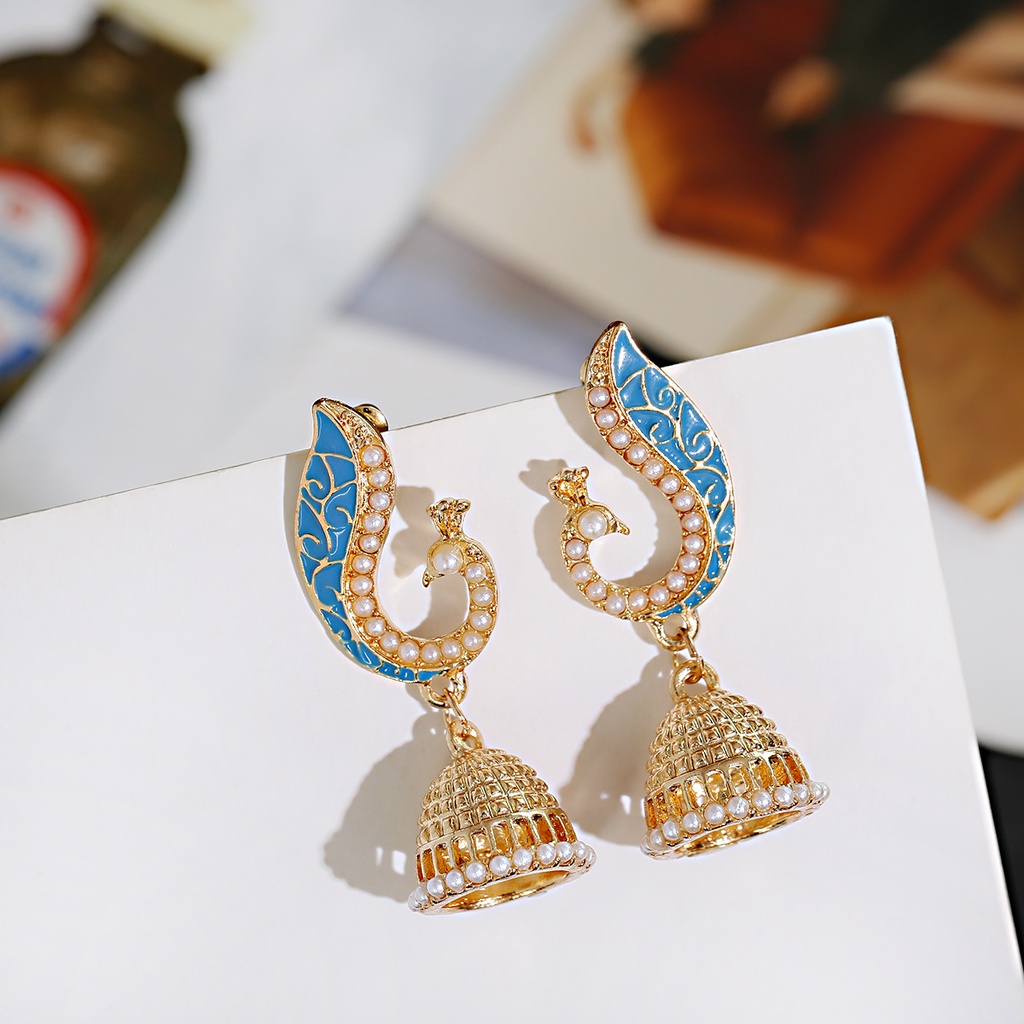
Ethnic Retro Corful Peacock Jhumka Earrings Womens Indian Jewelry Flower Gold Bell Tassel White Pearl Earrings

Indian Wedding Forehead Netti Pattam & Hand Wrist Pattam Gold Plated Traditional Bridal Ceremony Set