

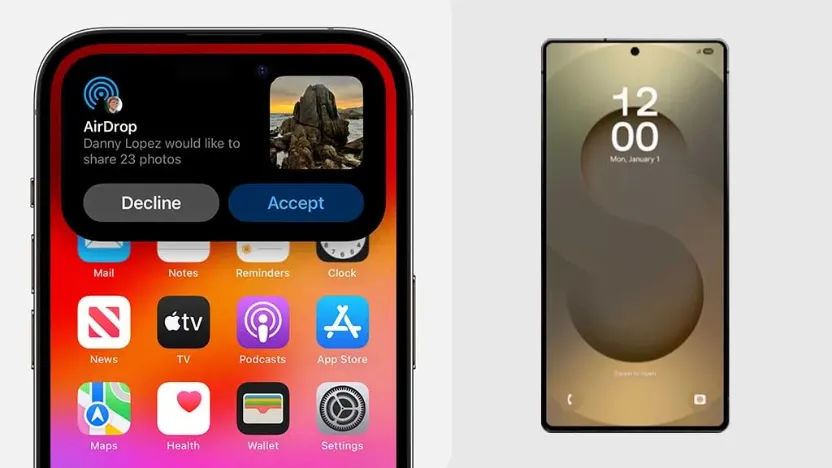
Samsung’s latest One UI 8.5 update now allows selected Galaxy devices to send files directly to iPhones and other Apple devices through Quick Share. The feature first appeared on the Galaxy S26 series and is expected to expand to more Samsung devices in stages by June 2026.
The feature is currently available for:
- Samsung Galaxy S26
- Samsung Galaxy S26+
- Samsung Galaxy S26 Ultra
Samsung has confirmed that support will later be extended to:
- Samsung Galaxy S25 Series
- Samsung Galaxy S24 Series
- Samsung Galaxy S23 Series
- Samsung Galaxy S22 Series
- Samsung Galaxy Z Fold Series
- Samsung Galaxy Z Flip Series
- Samsung Galaxy Tab S11 Series
- Samsung Galaxy Tab S10 Series
Step-by-step guide to send files from Samsung to iPhone
1. On your Samsung phone, open:
Settings > Connected Devices > Quick Share
2. Tap “Share with Apple devices”.
3. Turn the feature on.
4. On the iPhone, open AirDrop settings and choose:
“Everyone for 10 minutes”
The feature will not work if the iPhone is set to “Contacts Only”.
5. On your Samsung phone, open the photo, video or file you want to share.
6. Tap Share, then select Quick Share.
7. Nearby Apple devices will appear automatically.
8. Select the iPhone you want to send the file to.
9. The iPhone user must accept the transfer request.
10. Once accepted, the file will transfer directly through Wi-Fi.
To receive files from an iPhone on your Samsung phone:
1. Swipe down and open the Quick Panel.
2. Tap Quick Share to make your Samsung device visible.
3. On the iPhone, tap AirDrop and choose your Samsung device.
4. Accept the file transfer on your Samsung phone.
This feature is considered a major improvement because:
- Photos and videos are transferred in their original quality, including large 4K and 8K files.
- No third-party apps are required.
- Transfers are faster because they use a direct Wi-Fi connection instead of cloud storage.
Samsung says the rollout began in South Korea and will gradually expand to regions including Southeast Asia, Hong Kong, Japan, Taiwan, North America, Europe and Latin America over the coming months.
Source / Image Credit : sammyguru , gmanetwork , Sammy Fans